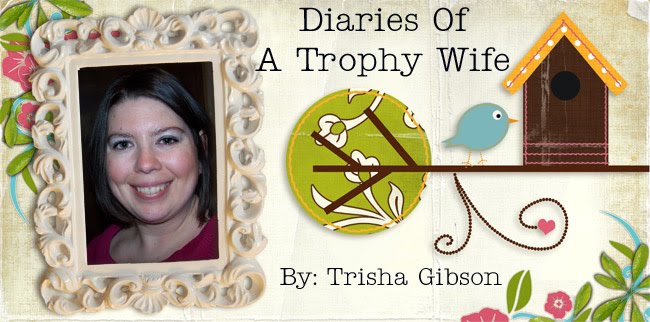
A really good friend of mine has been talking about digital scrapbooking for awhile now, and I've been wanting to try it out. She uses Photoshop, I think, so I downloaded an older version copy I had and tried to figure some stuff out, and basically have no clue. It's a total mystery, and I hate it lol. Travis finally showed me how to insert pictures to a background, but I could not figure out how to resize them once I got them on my page. That poses a problem. So I said heck with it for awhile and used my Print Shop program that I love, but it only to my knowledge does pages that are 8 1/2 x 11, not the typical 12x12 scrapbook page. Bummer. Anyways until I can figure this mess out, I made a journal cover for a 3 ring binder that I got this evening to start journaling.
 I downloaded this scrapbook kit called "Happy Go Lucky" from The Shabby Princess. I totally love how my page turned out. I am going to go now so I can design pages for my journal. I'm really excited about this whole digital scrapbooking thing. It is alot of fun, and plus it is alot cheaper than buying all the supplies and saves it alot of time! Let's just hope I'll have time to work on some pages. ;-)

3 comments:
You need to teach me!
Looks great! I think Shabby Princess has a short tutorial on how to do basic things on Photoshop like layering and resizing and stuff. I'll try to find the link, or I may have it saved to my computer and I'll send it to you. I'm glad you like digital - it's so much fun!
http://www.theshabbyshoppe.com/tutorials/software_tutorials.asp
The "Creating Your First Layout" gives you all the info about layering and resizing.
Hope this helps!
Post a Comment